
Drop your clip.
Get a finished
reel.
Cutz Studio edits your talking head videos and podcasts right on your own computer: clean cut, captions, b-roll, motion graphics and sound. One episode becomes a stack of reels and a 16:9 cold open. Fix anything by saying it.
First access when the kit drops. See the looks
No timeline. Just your clip and your voice.
Drop your clip
Drag in a talking video and any b-roll you shot. Masks, face tracking and the transcript start by themselves. Or right click a video in Finder and choose Edit with Cutz.
Get a finished draft
Claude cuts the flubs and dead air, lays your b-roll, adds captions, graphics, punch ins and sound, and hands you a draft to watch.
Fix it by saying it
Pause where it should change and say it: "cut this line", "glitch into the b-roll", "put my price behind me". Only what changed renders again.
Approve and export
Pick 1080p or 4K. It exports in the background, then Save to Photos sends it straight to your phone.
Designed motion. One click.
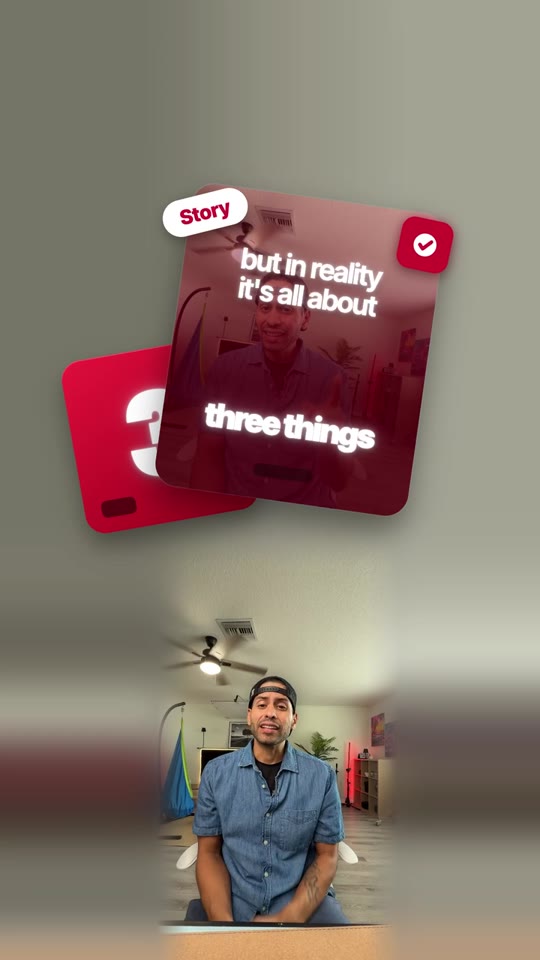
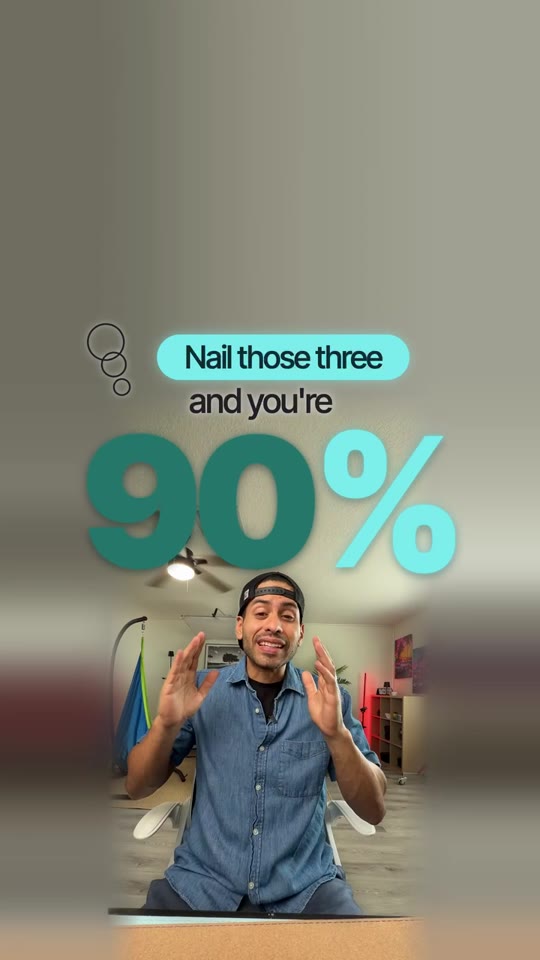
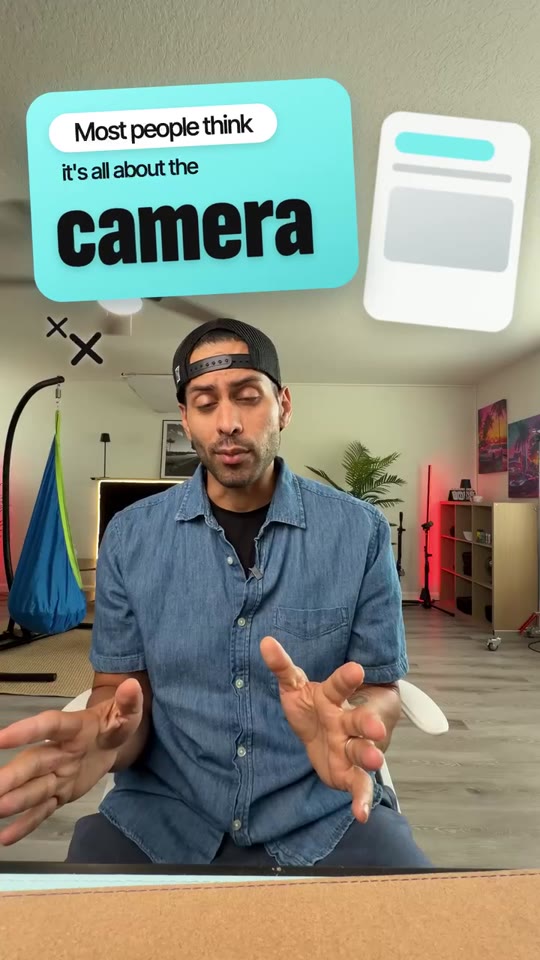
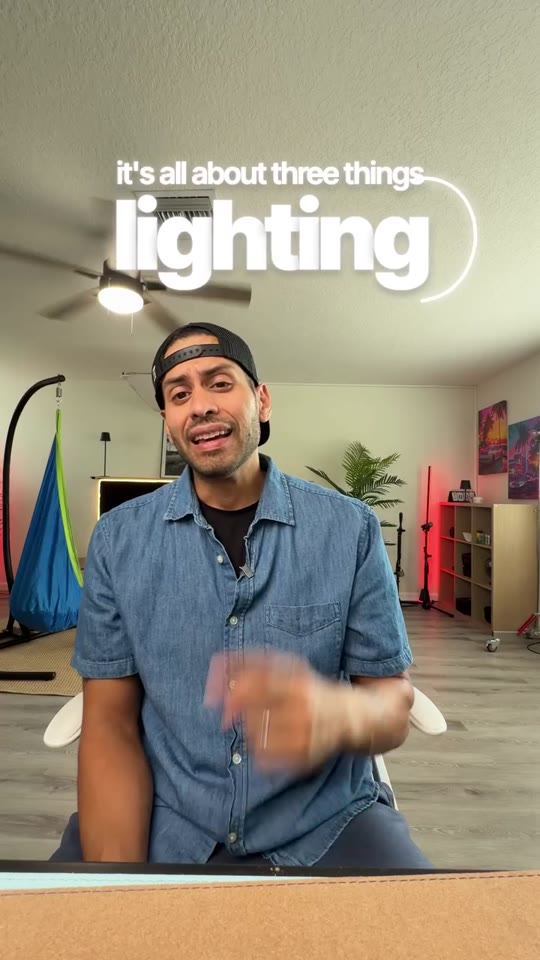
Every caption, title, transition and effect is a finished look, studied from reels that perform and rebuilt with smooth, eased motion. Your words drop into them, on your own footage.
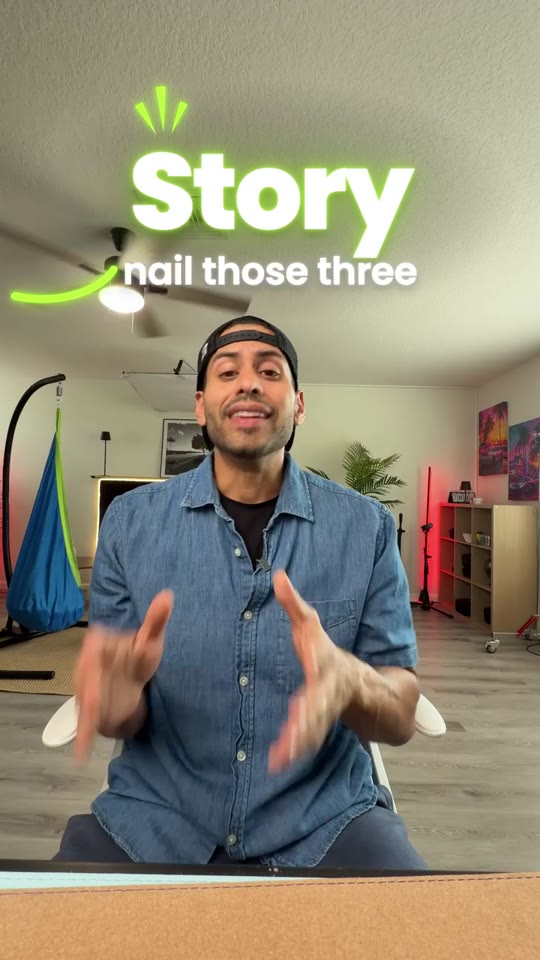
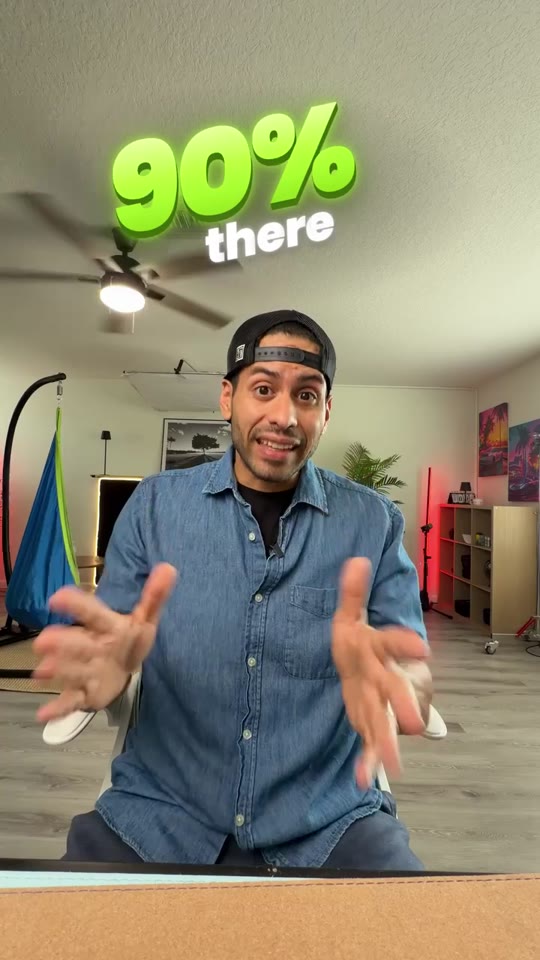
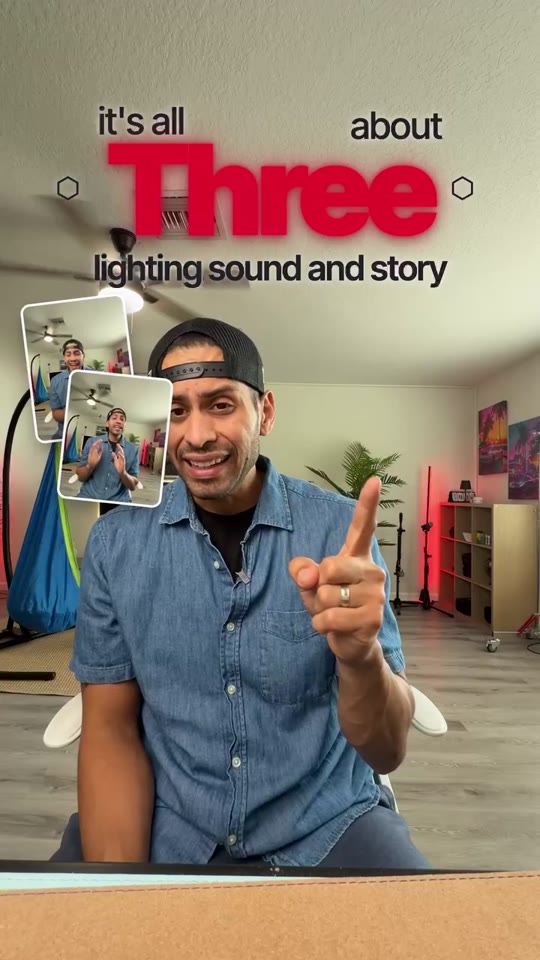
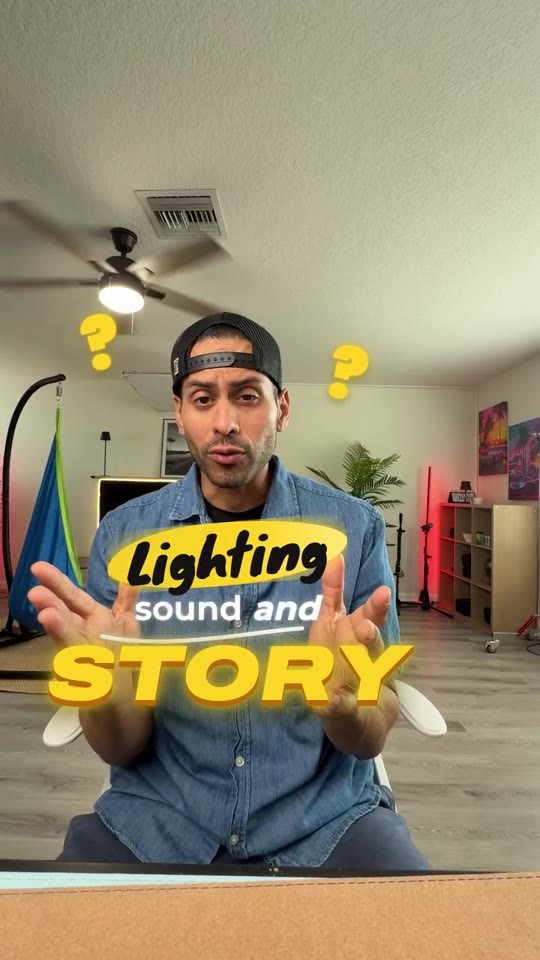
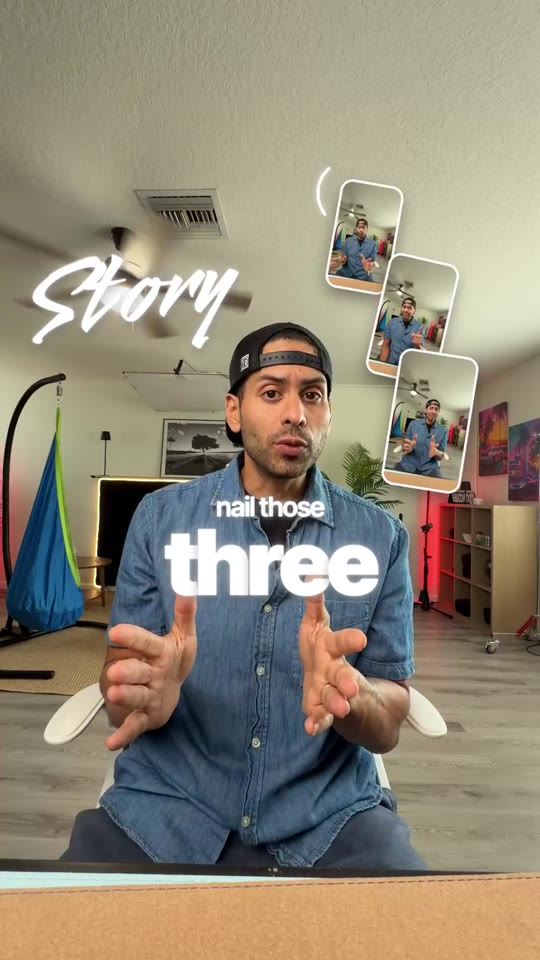
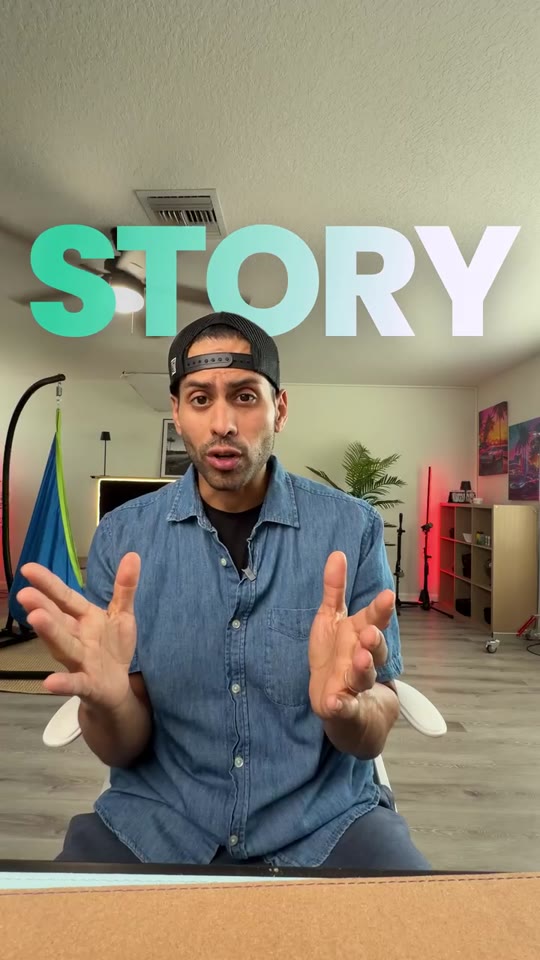
One episode in. A week of reels out.
Drop the full episode. Claude finds the strongest moments, cuts every reel on the full widescreen shot so pans and transitions have real room, then hands you a 16:9 cold open for YouTube too. Real podcasts, edited in Cutz.
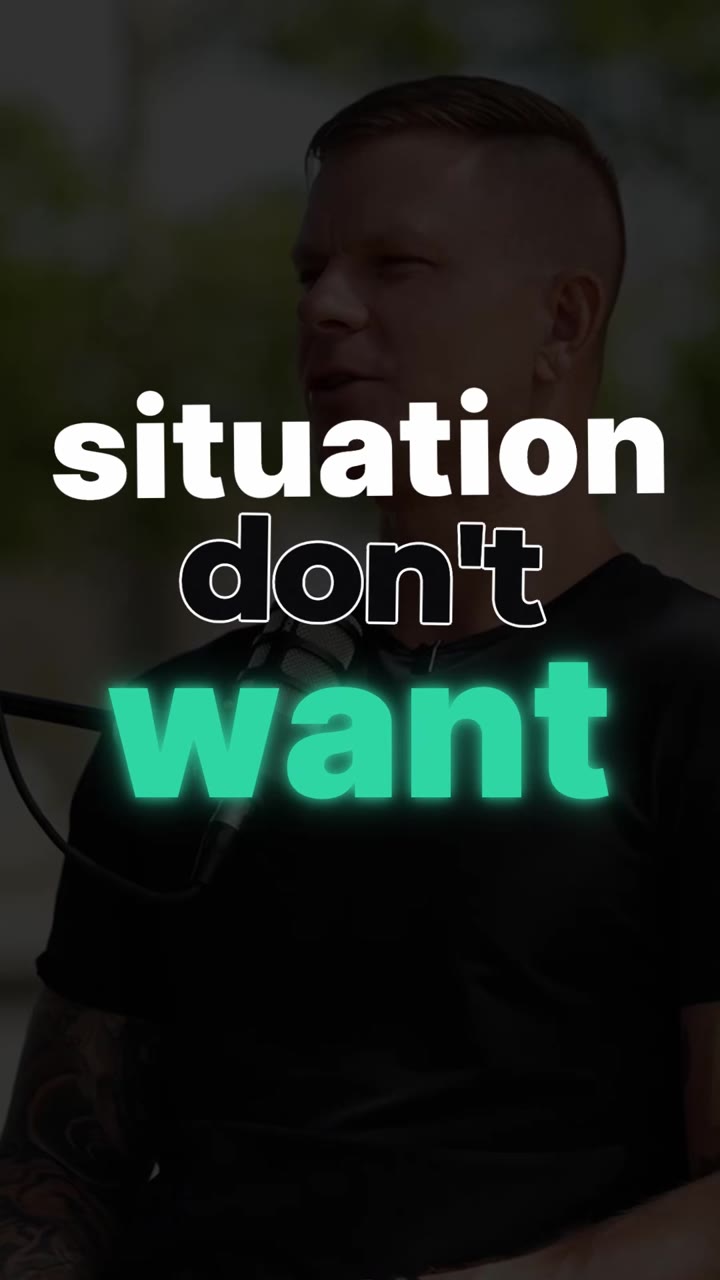
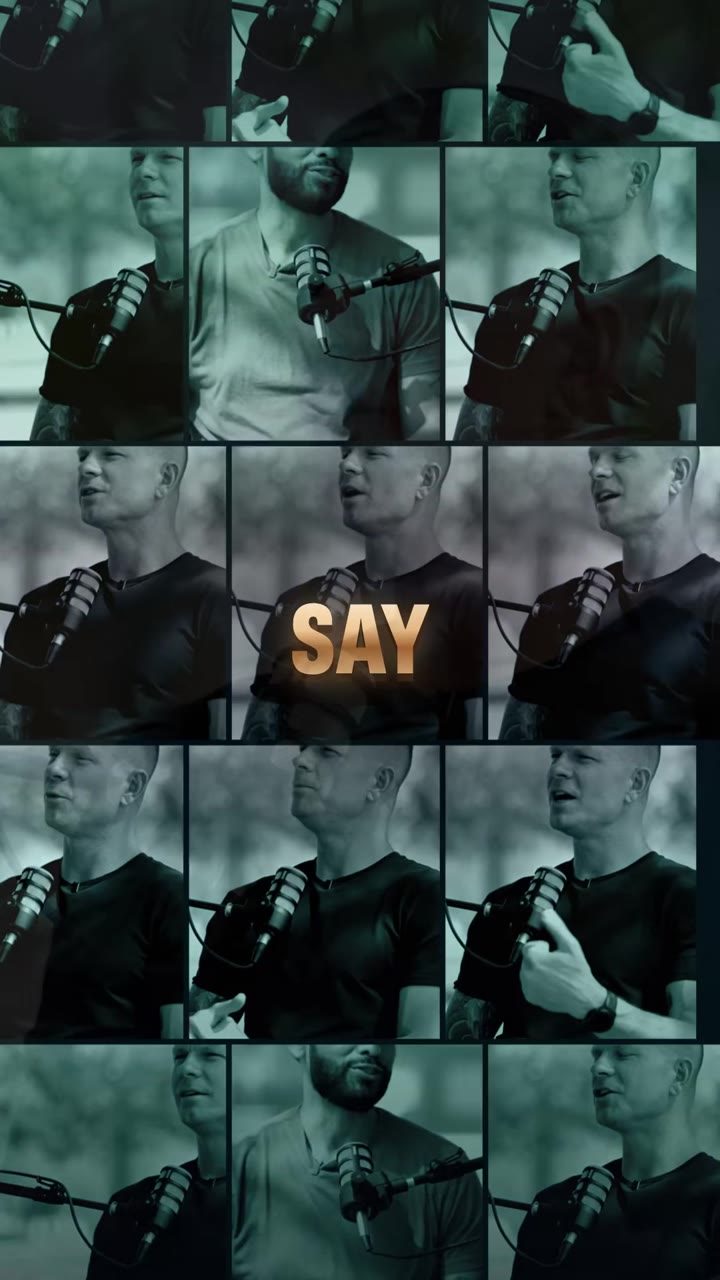
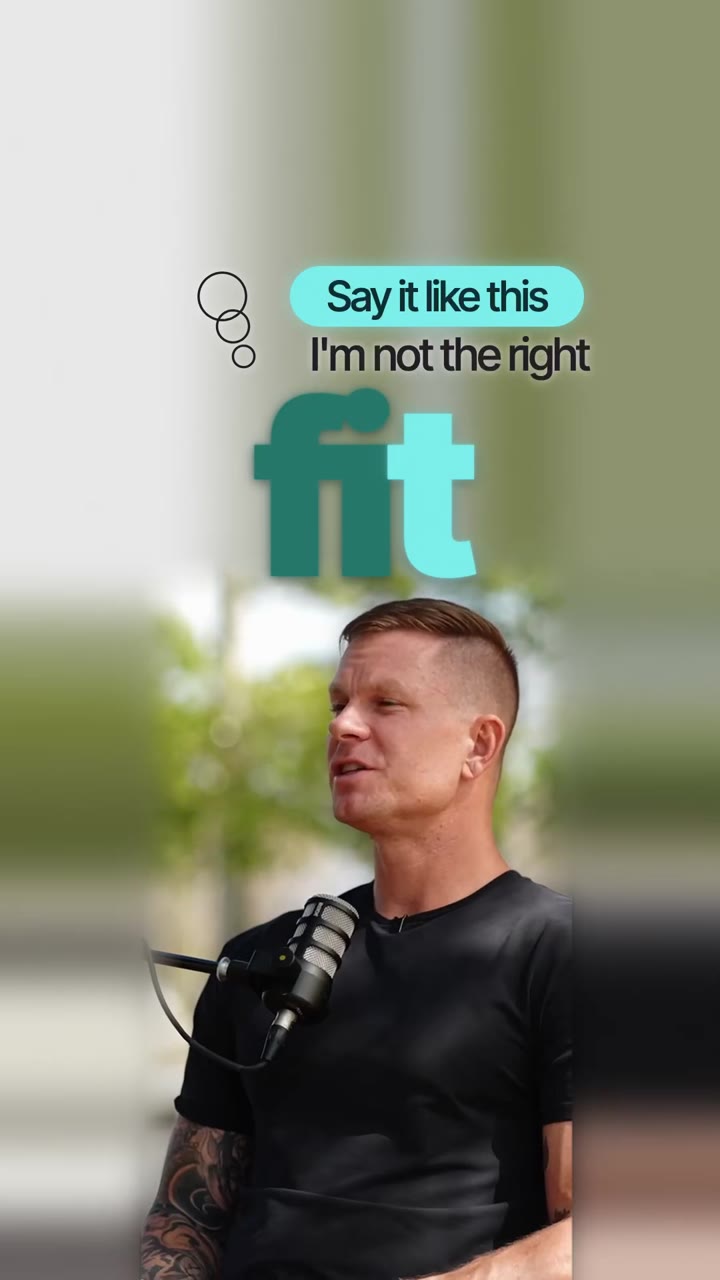

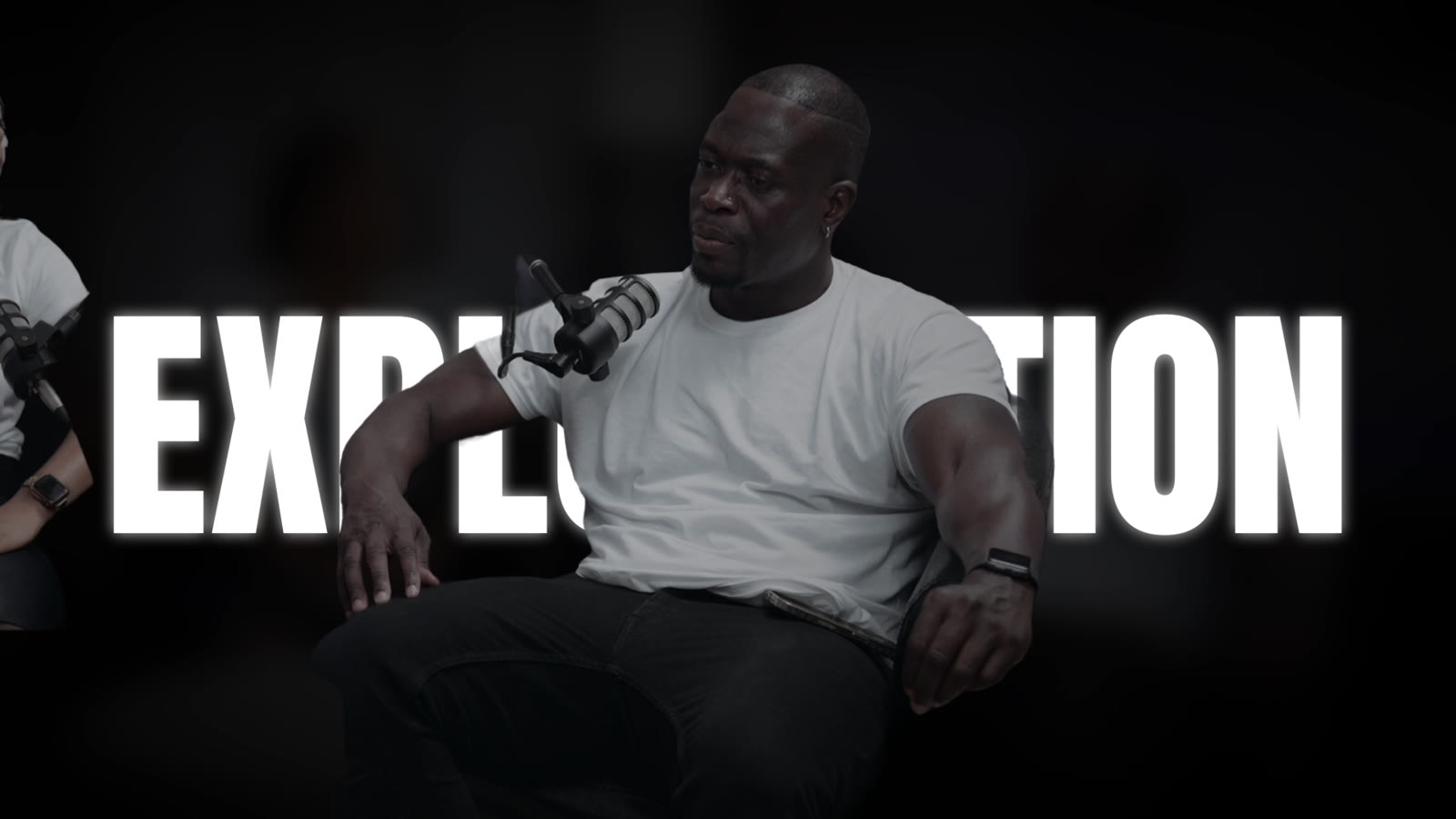
Your whole podcast, cut for you.
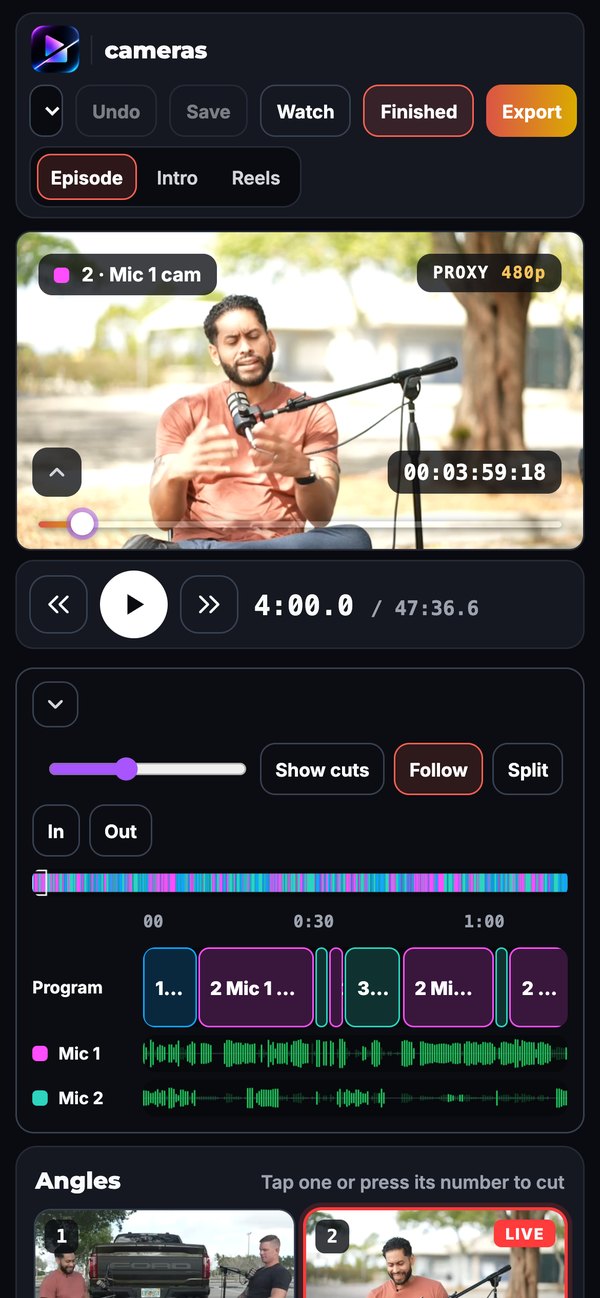
Drop every camera and every mic. Cutz syncs them by sound, follows whoever is talking and hands you the full multicam edit. Change any angle with a tap, punch in tight, put two people side by side, then press Finish and walk away.
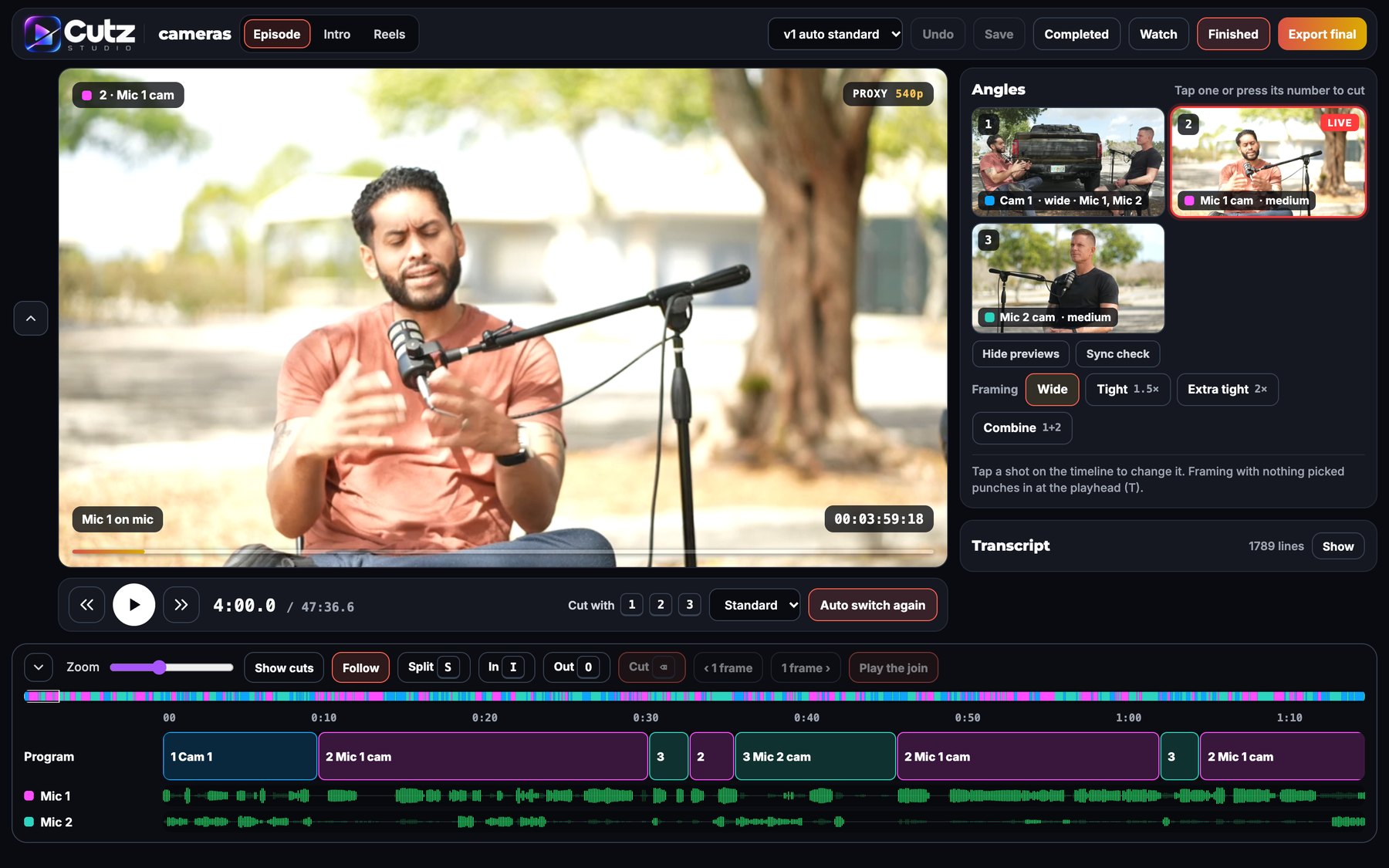
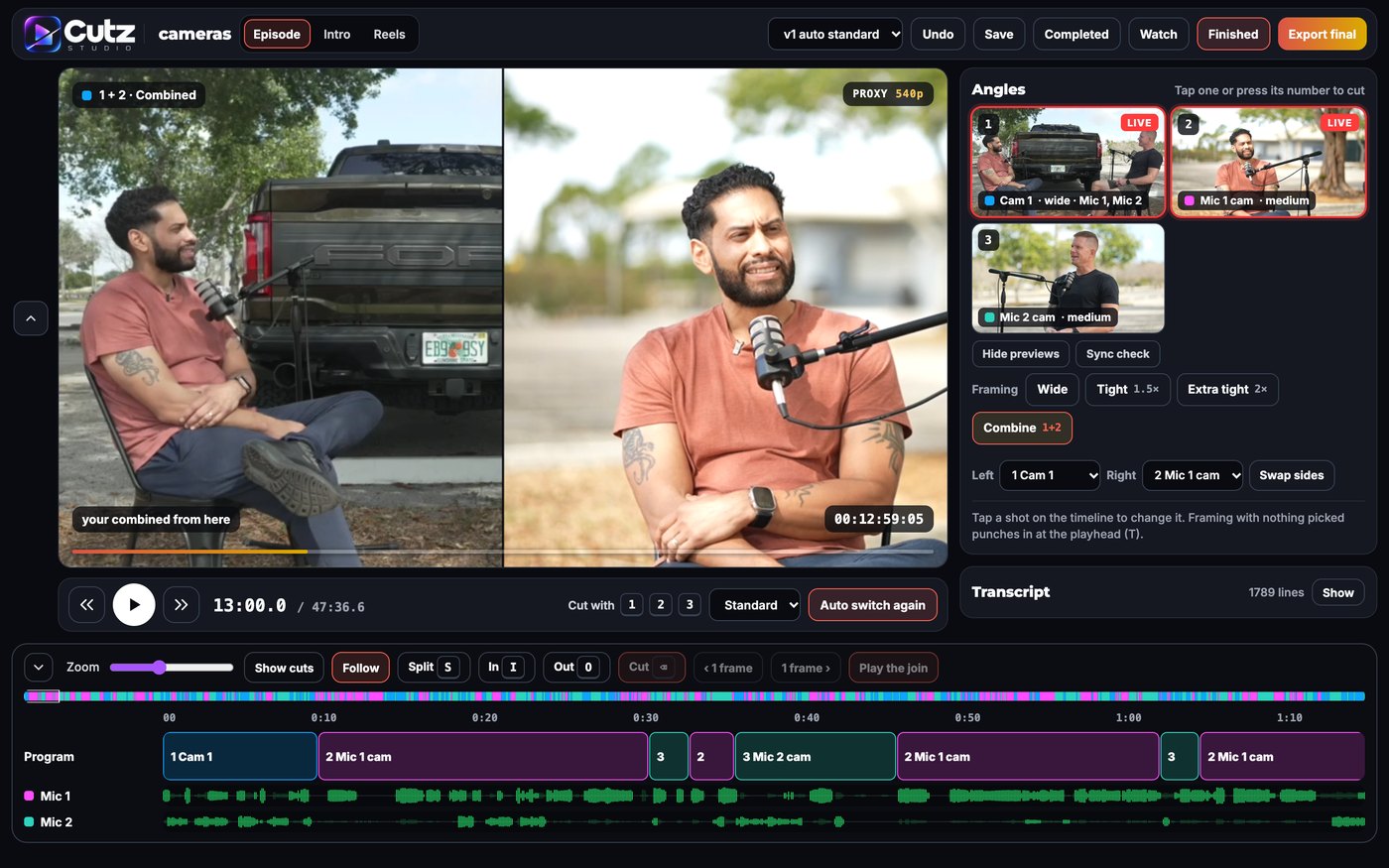
Every cut is yours to touch.
Claude hands you a finished draft. Want to go deeper? Open the timeline and every caption, graphic, b-roll clip, transition and sound sits on its own lane. Tap to swap or remove, drag to move, or just say the change.
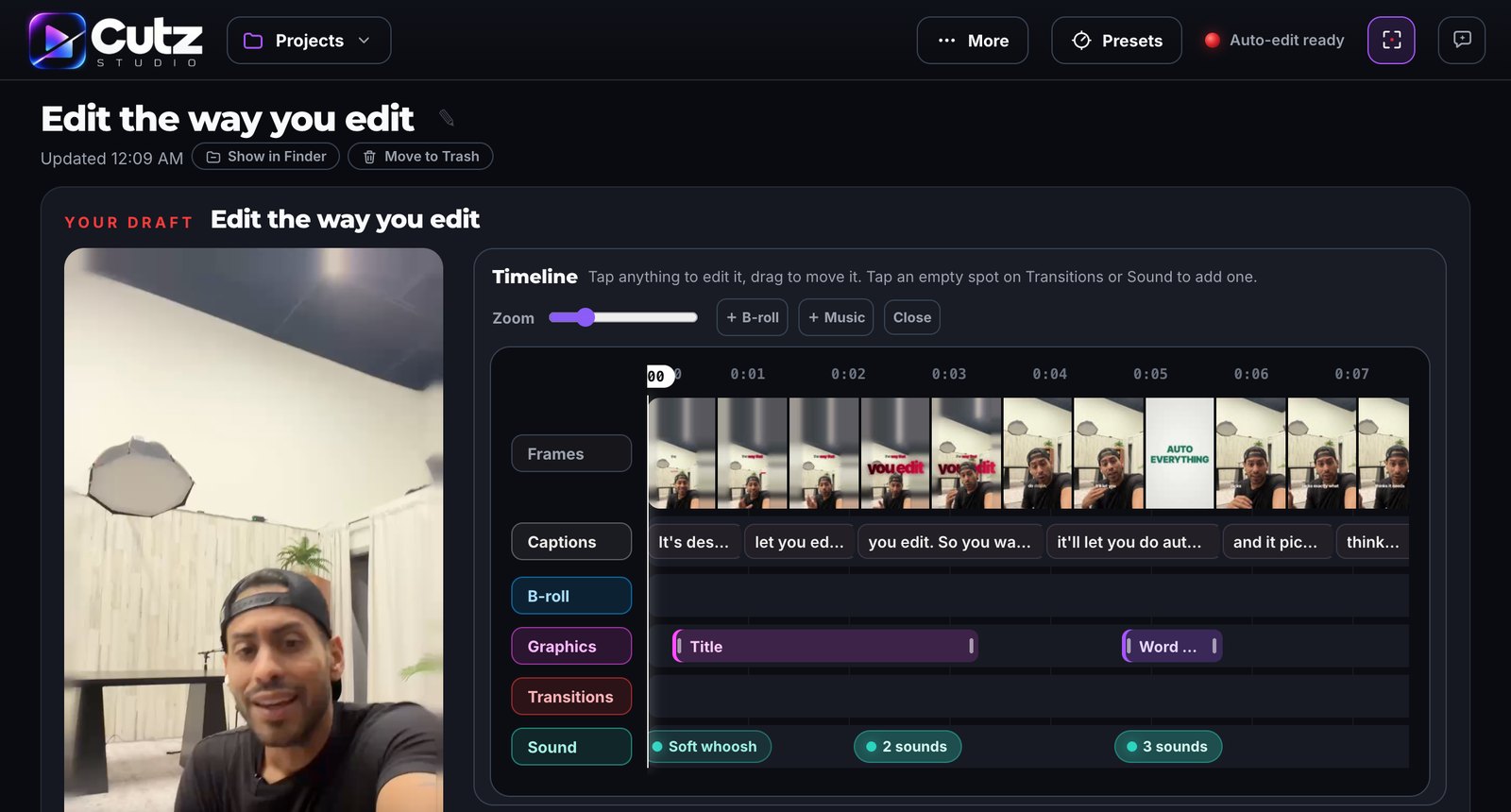
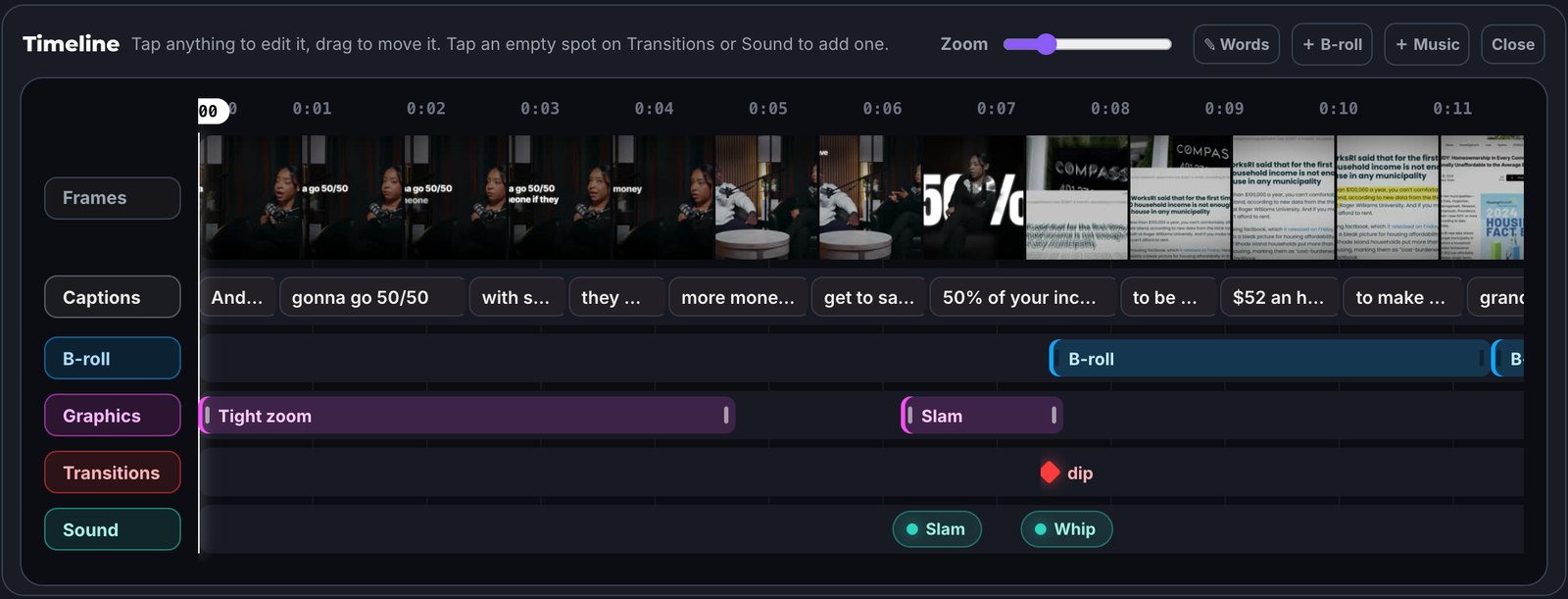
- Captions. Tap to change the style.
- Graphics and b-roll. Swap, remove or drag to a new spot.
- Transitions and sound. Tap an empty spot to add one.
- Words. Cut any word by hand.
- Or skip it all. Pause, say the fix, and only that part renders again.
Edit from the couch.
That is my son, making his own reel from his phone. He picked his clips, chose the look, and Cutz did the rest.
- Your Studio on your iPhone, as an app on your home screen
- Drop clips, review drafts, fix by voice and approve from anywhere
- Your Mac does the editing, your phone is the remote
- Private: runs through the free Tailscale app, only your own devices get in
Your taste, saved.
Every look plays on the same clip, so you compare the look and nothing else. Star what Claude should reach for first, retire what you never want. Every edit after that follows your picks.
Every pass is yours.
Want control? Work the way pro editors do. Lock the cut on the transcript, slide b-roll over your words, then change the graphic or transition on any beat before the final.
One podcast. Many reels.
Drop a long recording or paste a link to your own video. Claude finds the strongest moments, you trim the words, and each one becomes its own edit.
Sharp, and fast.
Drafts render light so review stays smooth. The final uses the Mac's media engines: about 2.5 seconds per second of video for 1080p, about 6 for 4K, measured on an M series Mac.
Not a prompt pack. A studio.
Claude directs the edit and your Mac does the heavy lifting. Less back and forth, fewer tokens per reel, more reels from the same plan.
Your edit renders on your Mac's own media engines instead of waiting on Claude to build it piece by piece. Fix one line and only that moment renders again.
| Cutz Studio | Claude skill packs | Editing apps | Hiring an editor | |
|---|---|---|---|---|
| How you edit | A real studio app. Watch the draft, tap the timeline, or just say the fix. | Prompts in a chat or terminal | A timeline you drive yourself | Notes back and forth |
| Speed | Renders on your Mac's media engines. Fixes re-render only what changed. | Claude builds each piece as it goes | As fast as you can edit | Days per round |
| Claude plan usage | Light. Claude directs, your Mac does the work. | Higher. Claude builds the edit itself. | Not used | Not used |
| Podcasts | Full multicam episodes synced and cut, plus reels and a 16:9 cold open from the same shoot | Mostly short form reels | Auto clips, cropped to vertical | Yes, billed per reel |
| Motion | You, cut out: words behind your head, Liquid Glass, Hello Card, split screen | Caption styles and effects | Caption templates | Depends on the editor |
| Your brand | Brand lock: your colours and fonts on every title, card and caption | Style files you edit | Brand kits, often paid tiers | Yes |
| From your phone | Optional: open your Studio on your iPhone, privately, with the free Tailscale app. Review, fix and approve from anywhere. | Usually at your desk | Phone apps, footage in their cloud | Texts and links |
| Export | 1080p or 4K, in the background | Depends on your setup | 4K often on paid tiers | Yes |
| Cost | One kit, plus your own Claude plan | One pack, plus your Claude plan | $20 to $40 a month, each | $500 to $3,000+ a month |
Compared with typical tools in each category as of October 2026. Prices and features vary.
A Mac, a Claude plan, and your footage.
The Mac
- Apple Silicon (M1 or newer)
- 16 GB memory, 32 GB for heavy 4K
- macOS 14 Sonoma or newer
- 50 GB free to edit comfortably
Accounts and apps
- Claude Pro or Max plan (Max for daily editing)
- Google Chrome and the Claude app, both free
- Optional: the free Tailscale app to edit from your iPhone
- Everything else installs itself
Setup
- About 20 minutes, once
- Attach the guide in a Claude chat and it walks you through
- Your own b-roll, your own fonts
Your own edit studio. Almost here.
Get on the list and you hear first when the kit drops. Editing runs on your own Claude plan.
One email when the kit drops, plus Cutz updates. Unsubscribe anytime.
- The Studio and its edit engine, installed with one double click
- The Preset Lab: captions, titles, transitions and effects, ready to star
- Curated sound effect kits
- Draft and Pro modes, 1080p and 4K export
- The setup guide, written so Claude can walk you through it
Good questions.
Do my videos get uploaded anywhere?
No. Masks, transcripts, graphics and renders all happen on your Mac. Claude reads your transcript and writes the edit plan; your footage stays put.
Do I need to know how to edit?
No. Drop a clip and you get a finished draft. If something should change, say it in plain words. Pro mode is there when you want every pass in your hands.
Can I use my own b-roll and fonts?
Yes. Drop your b-roll with your clip and Claude places it on the lines it matches. Any font installed on your Mac can be your caption font. No b-roll? Claude uses wallpapers and animations.
Does it work on Windows or an Intel Mac?
Not yet. Cutz Studio uses Apple Silicon's media engines and Apple Vision, so it needs an M1 or newer Mac.
Why do I need a Claude plan?
Claude is the editor inside the Studio. It runs under your own Pro or Max plan, so there is no extra AI bill from us. Heavy daily editing fits Max best.
Stop editing. Start posting.
Coming soon to your Mac.
Join the waitlist